
L’Atelier is a place for ADAGP members to meet and work collaboratively. Located in Paris, between Montparnasse and Saint-Germain-des-Prés, this place provides artists, authors and rights holders with a warm and professional environment, with equipment in three distinct spaces: Le Scanlab, La Fabrique and La Cafèt’.
The three spaces
L’Atelier comprises 3 spaces: le Scanlab, la Fabrique and la Cafèt’.
- Le Scanlab: a digitisation space with 3 workstations, reservation required
- La Fabrique: a collective workspace with 6 workstations, reservation required
- La Cafèt’: a freely accessible convivial space


Make a reservation
How to access and enjoy the Atelier?
- Be an artist-author or rights holder and an ADAGP member
- Access for free
- Booking is possible for the ongoing month and the two following months
- Time slots are available and cumulative from 10 am to 6 pm, Monday to Friday
- 1 time slot corresponds to 2, 3 or 4 hours depending on the chosen workstation
- La Cafèt' is freely accessible from 10 am to 6 pm, Monday to Friday
- If you're interested in privitising the Atelier spaces outside opening hours, please write to: reservation.atelier@adagp.fr
Additional information:
- All three spaces have access to Wi-Fi
- Amount of possible reservations:
Scanlab
Scanning/copying station for large-format opaque and transparent documents: 2 slots per week maximum – 4 slots per month maximum per member
Scanning/copying station for transparent documents: films argentiques (négatifs et positifs) : 4 slots per week maximum – 8 slots per month maximum per member
Epson A3 scanning station: 4 slots per week maximum – 8 slots per month maximum per member
La Fabrique
All station: 4 slots per week maximum – 12 slots per month maximum per member
- Members can come with one guest
- A qualified member of staff will provide you with personalised guidance on how to use the equipment provided
- All computers and IT equipment are systematically wiped clean every evening. Please remember to bring an Apple-compatible storage device (such as a fast and reliable external SSD hard drive with a minimum capacity of 1 terabyte) to save the work you have done on our computers.
- Your session must end 30 minutes before the end of your reservation time to ensure your files are transferred successfully.

Le Scanlab
digitising space
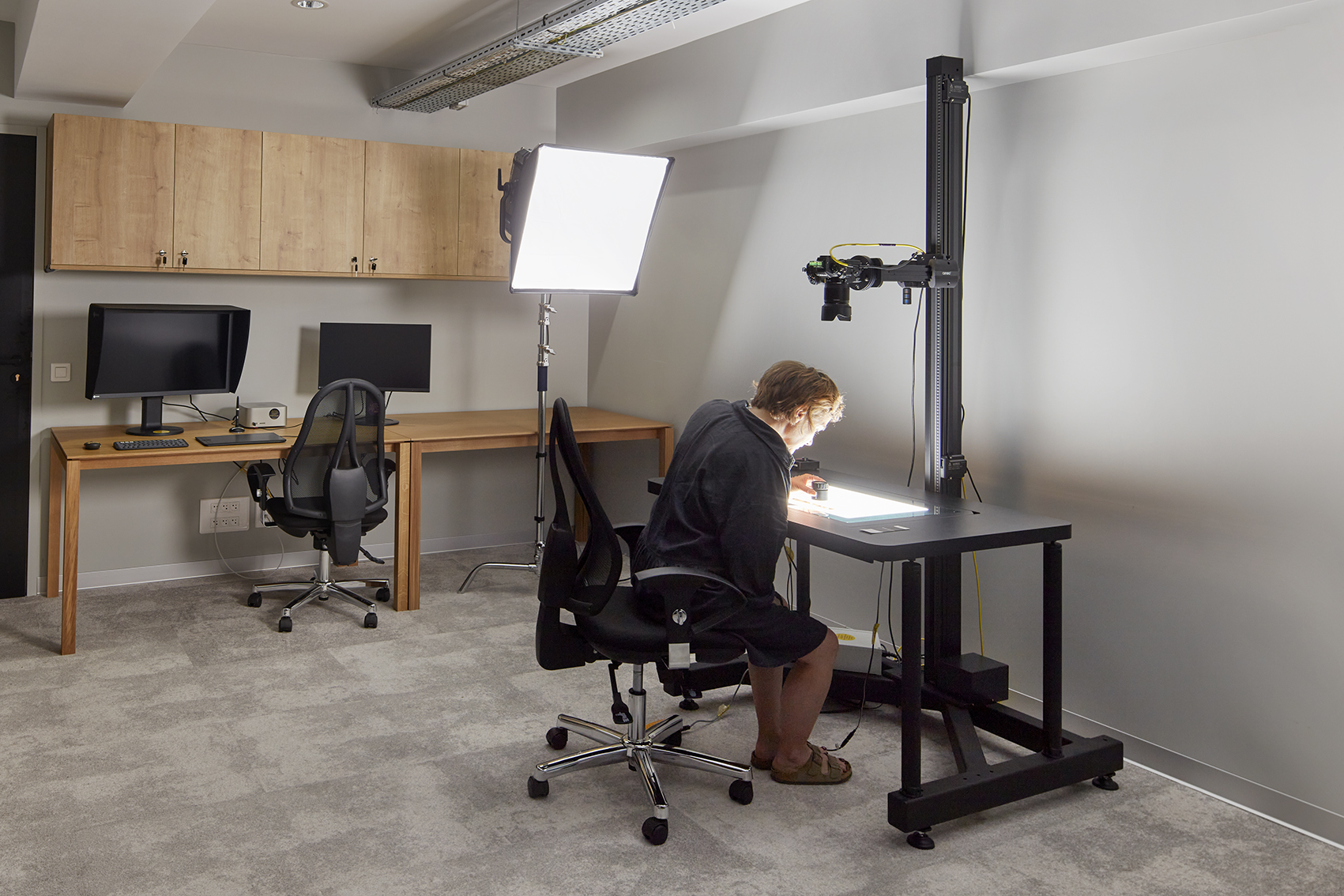 Atelier de l'ADAGP, crédit photo : Frédéric Delangle, Paris, 2025
This space provides you with 3 complete workstations, allowing you to digitise all types of creations (drawings, paintings, archives, films, glass plates and all transparent media) in high resolution, to preserve and highlight your work in very high quality and definition.
Le Scanlab has three workstations:
- Workstation 1: scanning/copying of large-format opaque and transparent documents
- Workstation 2: scanning/copying of transparent documents : film (negatives and positives)
- Workstation 3: Epson A3 scanner
Additional information:
- Each station is to be reserved separately
- A member of staff will be on hand to welcome you, show you how to use the equipment and answer any questions you may have
Le Scanlab's three workstations


Scanning/copying station for large-format opaque and transparent documents
This station is equipped with a high-resolution professional reproduction bench. It enables HD reproduction of opaque materials up to 70 x 100 cm in size and transparent materials up to 41 x 31 cm in size.
Images are captured using a digital camera fitted with a macro lens, with the entire setup connected to a computer running Capture One software.
This system provides an ideal platform for the faithful reproduction of flat artwork, ensuring exceptional image quality and fine detail reproduction.
Included equipment:
- Mac Studio M4 – 64 GB RAM – 4 TB SSD
- 27-inch calibrated EIZO monitor
- Wacom Intuos multi-touch graphics tablet
- Nikon Z8 - 45.7 MP sensor
- Viewing frames (35mm, 120mm, from 4x5 to 20x25, 5x5 slide under cover)
- 2 LED panels
- Light table for transparencies
- Colour chart
- SD cards for live filming
- Black, white and grey cardboard backdrops
- Software: Adobe Suite (Photoshop (with Camera Raw), InDesign, Illustrator, Lightroom Classic CC (with Negative Lab Pro) and Bridge), Capture One
Transparency scanning/copying station: film (negatives and positives)
This station is equipped with a professional high-resolution reproduction system. It enables HD reproduction of film (negatives and positives) in formats ranging from 24 x 36 to 20 x 25, using a flatbed scanner and a light table.
The materials are placed on viewing frames. Images are captured using a digital camera fitted with a macro lens, with the entire setup connected to a computer running Capture One software.
This setup provides an ideal platform for faithful reproduction of flat-bed materials, ensuring exceptional image quality and fine detail reproduction.
Included equipment:
- Mac Studio M4 – 64 GB RAM – 4 TB SSD
- 27-inch calibrated EIZO monitor
- Wacom Intuos multi-touch graphics tablet
- Nikon Z8 - 45.7 MP sensor
- Viewing frames (35mm, 120mm, from 4x5 to 20x25, 5x5 slide under cover)
- Colour chart
- SD cards for live filming
- Software: Adobe Suite (Photoshop (with Camera Raw), InDesign, Illustrator, Lightroom Classic CC (with Negative Lab Pro) and Bridge), Capture One
Epson A3 scanning station
This workstation is equipped with a high-definition A3 scanner designed to meet the professional requirements of the graphic arts industry.
It allows you to scan originals with great precision, producing sharp, detailed and accurate images.
Ideal for reproducing works on paper that do not feature raised elements (drawings, documents or photographs).
Included equipment:
- Mac Studio M4 – 64 GB RAM – 4 TB SSD
- 27-inch EIZO colour-calibrated monitor
- Wacom Intuos multi-touch graphics tablet
- Colour chart
- Software: Adobe Creative Cloud (Photoshop (with Camera Raw), InDesign, Illustrator, Lightroom Classic CC (with Negative Lab Pro) and Bridge), Capture One
La Fabrique
collective workspace
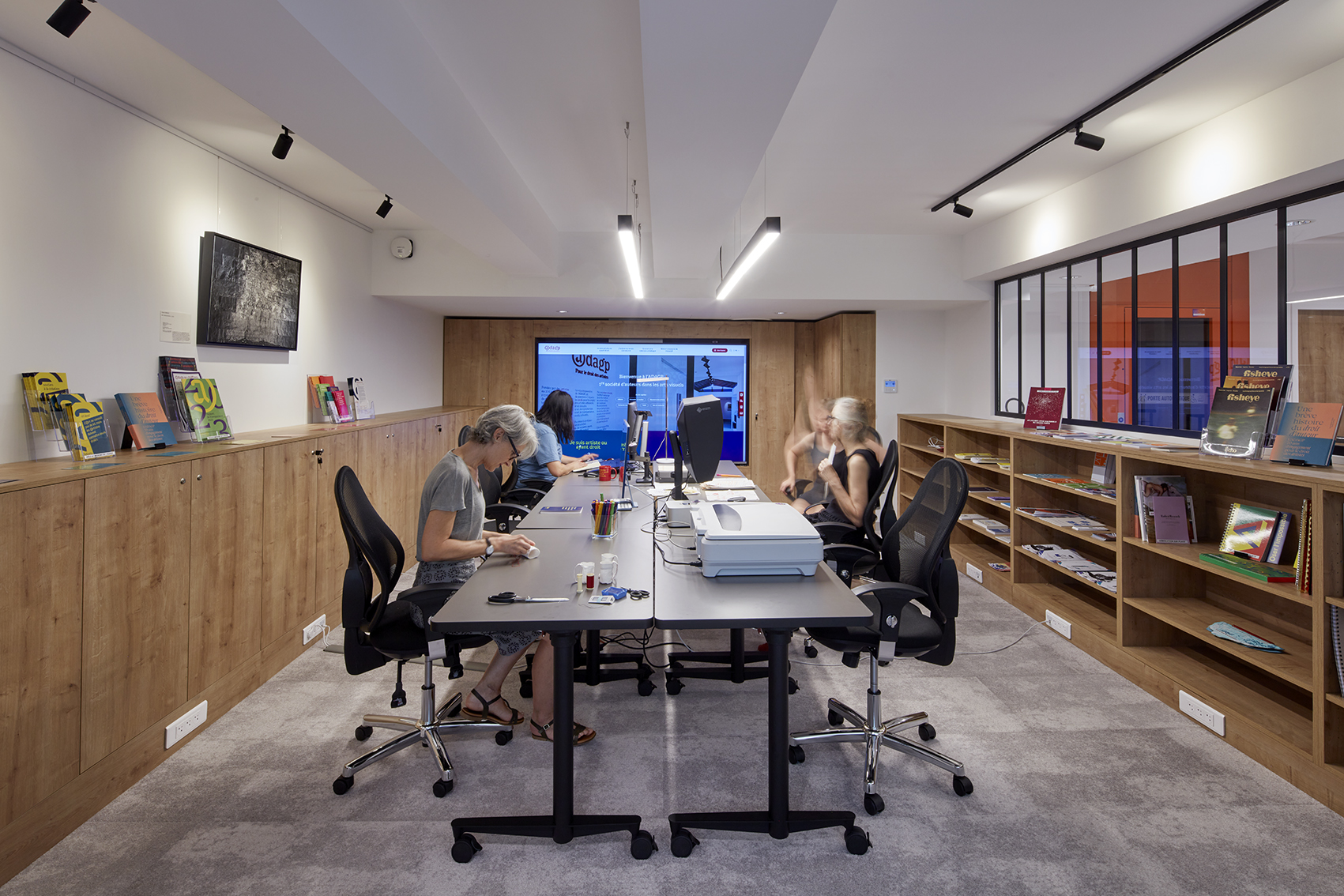 Atelier de l'ADAGP, crédit photo : Frédéric Delangle, Paris, 2025
Immerse yourself in an atmosphere that is both studious and welcoming, ideal for fostering discussion and inspiring creativity. Surrounding a green patio, six workstations are reserved exclusively for ADAGP members, in a setting designed to encourage creativity.
This collaborative workspace comprises six workstations:
- 1 workstation equipped with a 24-inch iMac
- 1 workstation equipped with a Wacom Cintiq Pro 17 graphics tablet
- 1 workstation equipped with a 13-inch iPad Pro
- 1 workstation equipped with a 16-inch MacBook Pro
- 1 post-production workstation
- 1 workstation without hardware
Please remember to bring your usual IT equipment and any accessories you might need (tablet, charger, mouse, etc.).
Additional information:
- Chaque poste se réserve séparément
- Présence d'une régisseuse pour vous accueillir, vous guider dans l'utilisation du matériel et répondre à vos questions
La Fabrique's technical specifications (in French)
24-inch iMac Workstation
This workstation includes a 24-inch iMac, an all-in-one computer that combines performance, visual comfort and sleek design. Its 4.5K Retina display delivers excellent image quality, ideal for photo editing, graphic design and video editing. A smooth and reliable working environment, designed for visual creation.
Equipment included:
- Software: Adobe Suite (Photoshop (with Camera RAW), InDesign, Illustrator, Lightroom Classic CC (with Negative Lab Pro), Bridge, After Effects and Premiere Pro), Capture One, Krita, Clip Studio Paint
Wacom Cintiq Pro 17 workstation
This workstation is equipped with a Wacom Cintiq Pro 17 graphics tablet, a professional tool designed for digital creation. Its high-resolution interactive screen allows you to draw, edit or model directly on the surface using a stylus. Ideal for illustrators, graphic designers, designers and animators, it offers a smooth and natural experience similar to traditional drawing.
Equipment included:
- Dell Alienware Aurora R16 PC tower, 31.5-inch Dell monitor and Pro Pen 3 stylus
- Software: Adobe Suite (Photoshop (with Camera Raw), InDesign, Illustrator, Lightroom Classic CC), Clip Studio Paint, Krita
MacBook Pro 16" Workstation
This workstation features a MacBook Pro 16", a powerful and versatile laptop. Its high-definition display and professional-grade performance ensure smooth operation for photography, video, 3D modelling and graphic design. Compact and high-performance, it combines portability and efficiency to support creative work.
Equipment included:
- Software: Adobe Suite (Photoshop (with Camera RAW), InDesign, Illustrator, Lightroom Classic CC (with Negative Lab Pro), Bridge, After Effects and Premiere Pro), Capture One, Krita, Clip Studio Paint
13-inch iPad Pro Workstation
This workstation features a 13-inch iPad Pro, a powerful and versatile tablet designed for creativity and mobility. When used with the Apple Pencil, it offers exceptional precision for drawing and note-taking, making it ideal for sketching, design, illustration or image editing. Lightweight and responsive, the iPad Pro combines ease of use, display quality and professional performance, allowing you to create and experiment with complete freedom.
Equipment included:
- Software: Photoshop, Procreate, Clip Studio Paint
Digital post-production workstation
This workstation is designed for the retouching and processing of all types of images. Equipped with a calibrated monitor, it ensures a smooth and precise working environment for all visual projects. The main post-production software packages are installed here, enabling users to complete the work started on the Scanlab workstations.
Equipment included:
- Software: Adobe Suite (Photoshop (with Camera RAW), InDesign, Illustrator, Lightroom Classic CC (with Negative Lab Pro), Bridge, After Effects, Premiere Pro), Capture One, Krita, Clip Studio Paint
Equipment-free Workspace
Bring your own equipment and work in the friendly atmosphere of La Fabrique.
La Cafèt’
convivial space
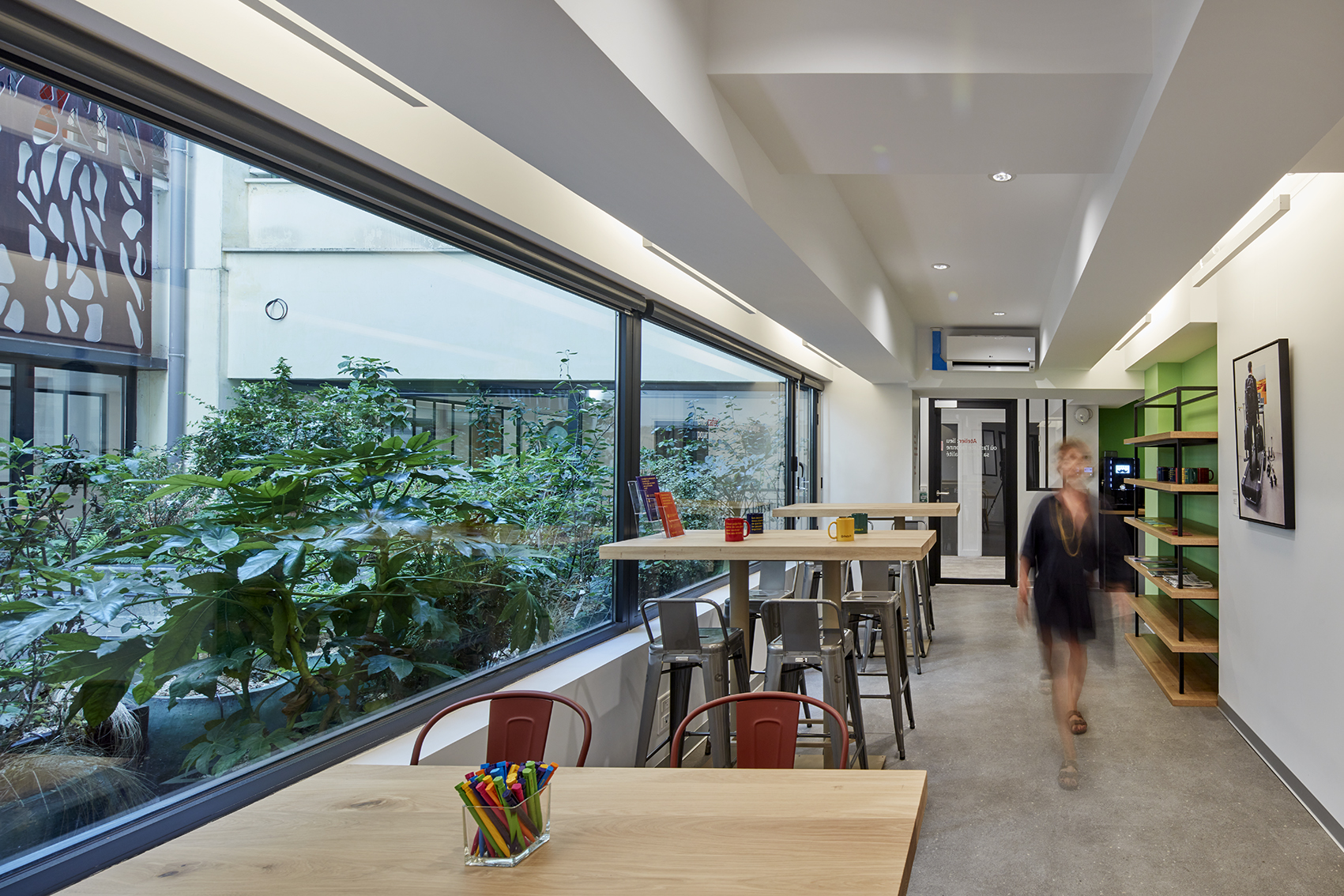 Atelier de l'ADAGP, crédit photo : Frédéric Delangle, Paris, 2025
No reservation required: the Cafèt’ is the perfect place to chat in a relaxed and inspiring atmosphere.
Open to members Monday to Friday from 10 am to 6 pm
Additional information:
- 14 seats
- Professional resources and reading material
- Coffee and hot drinks
- Microwave ovens and a fridge available
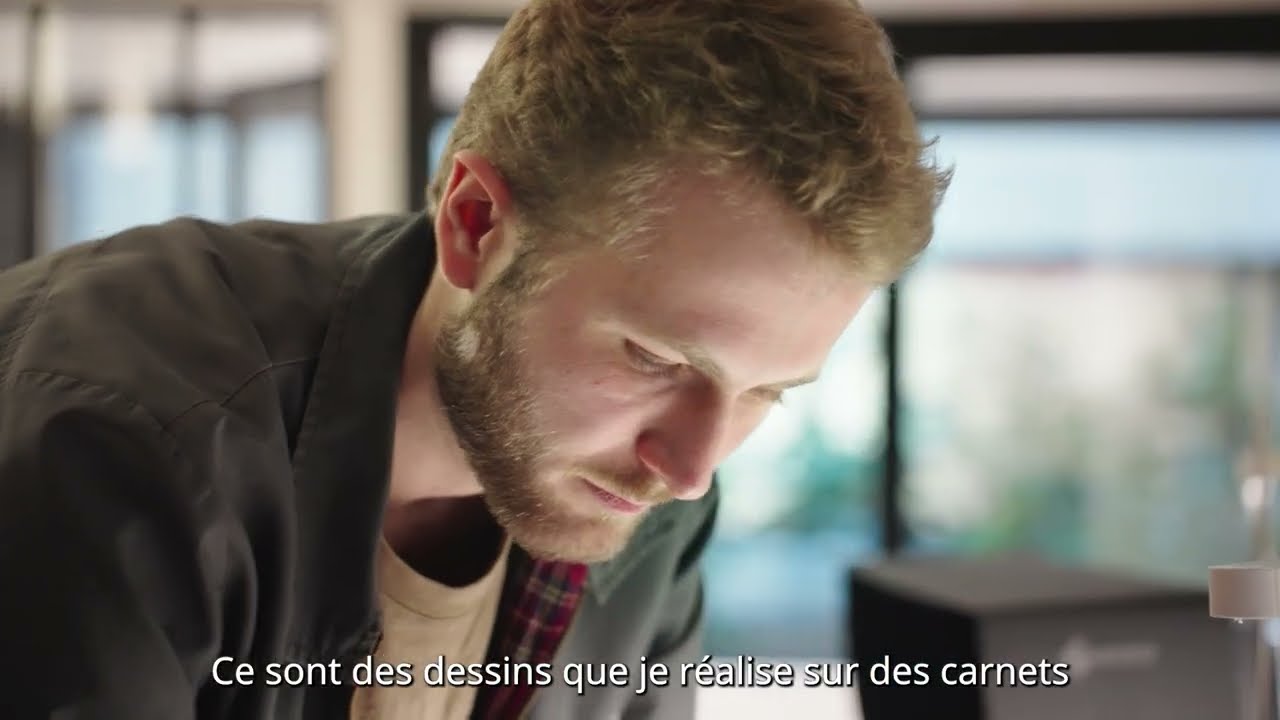
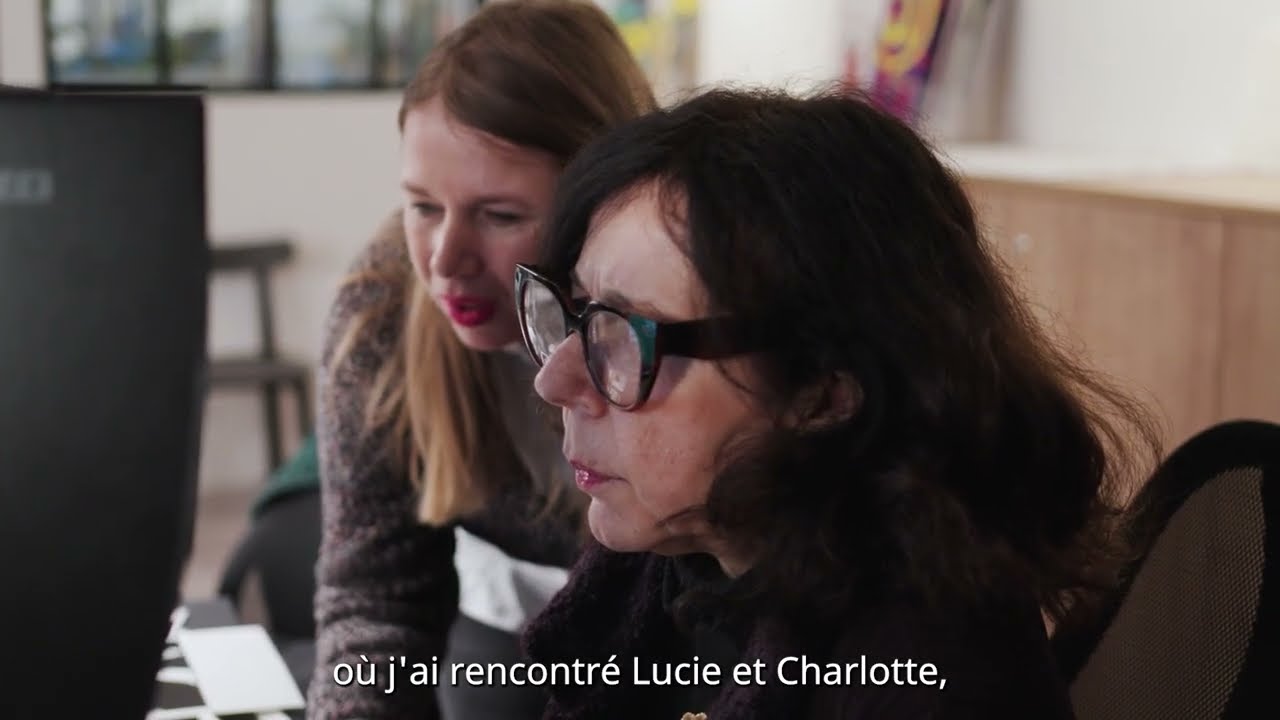
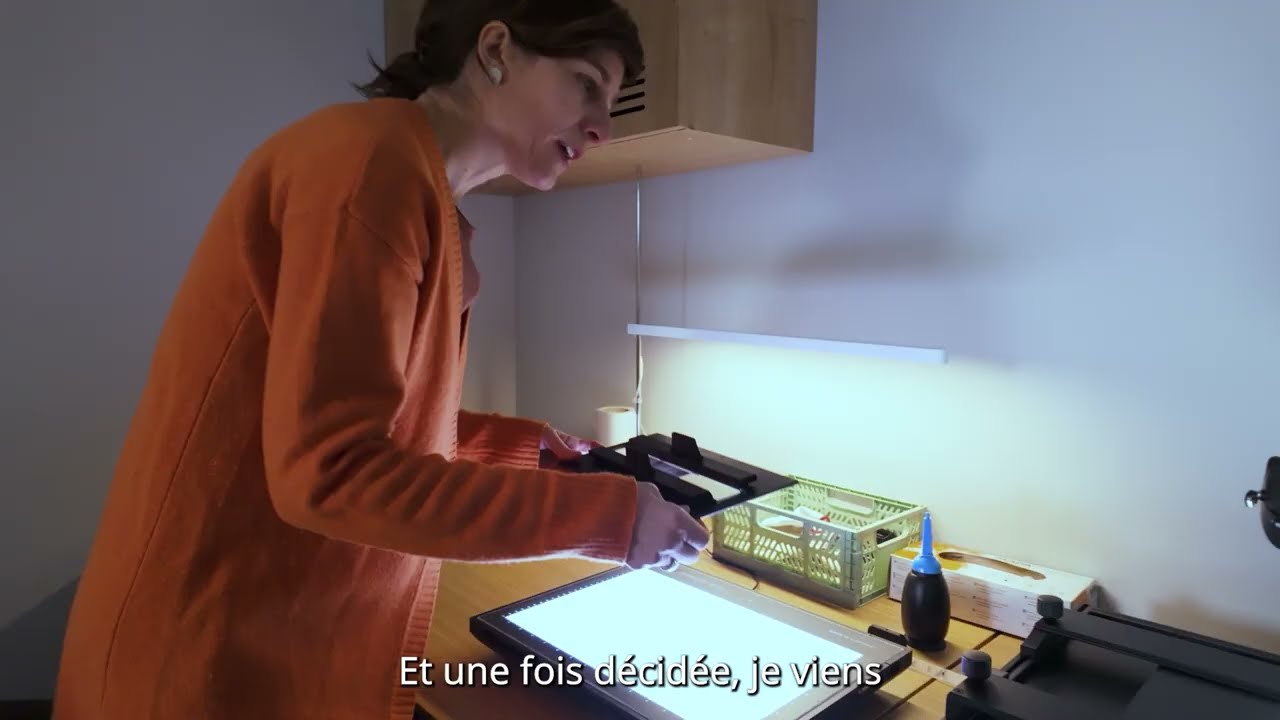
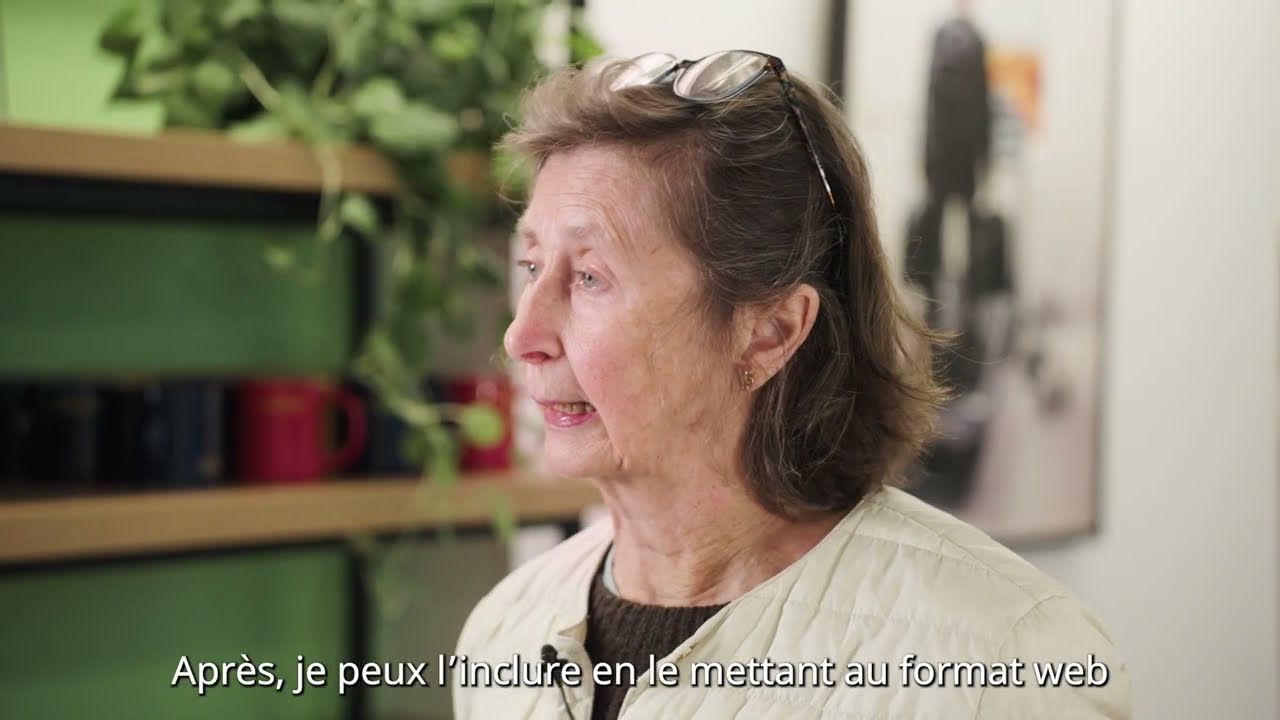
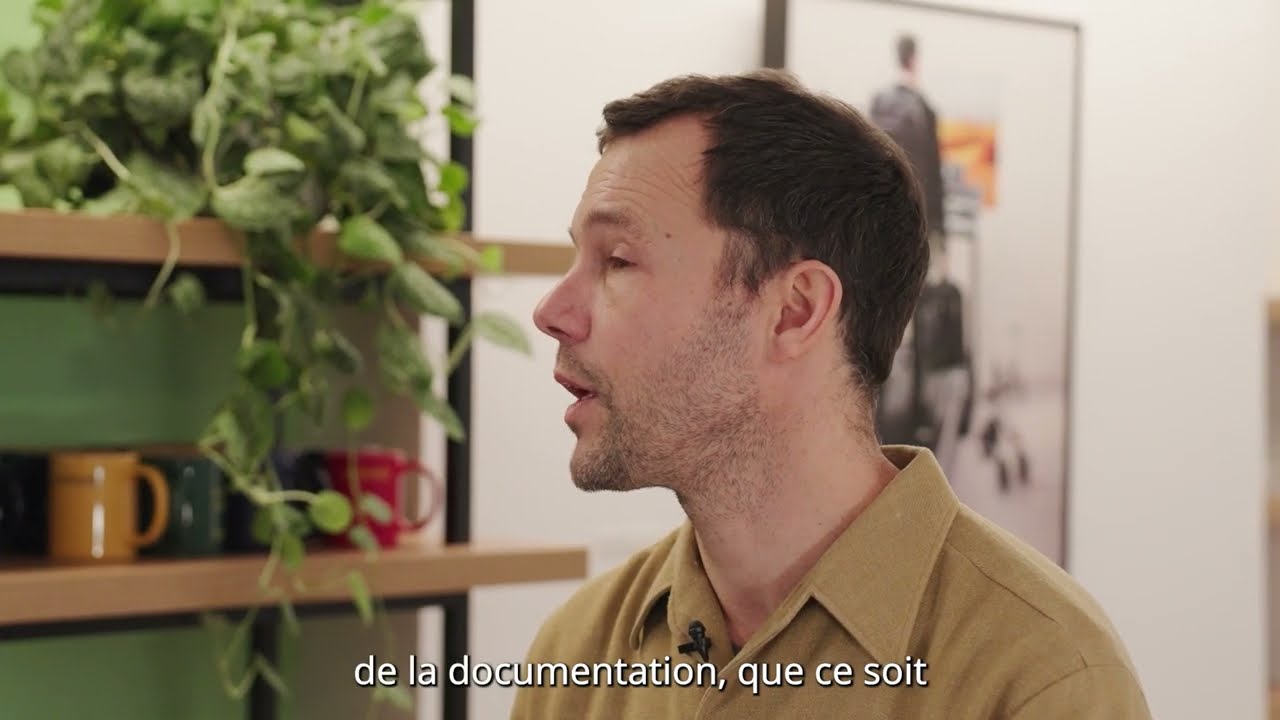
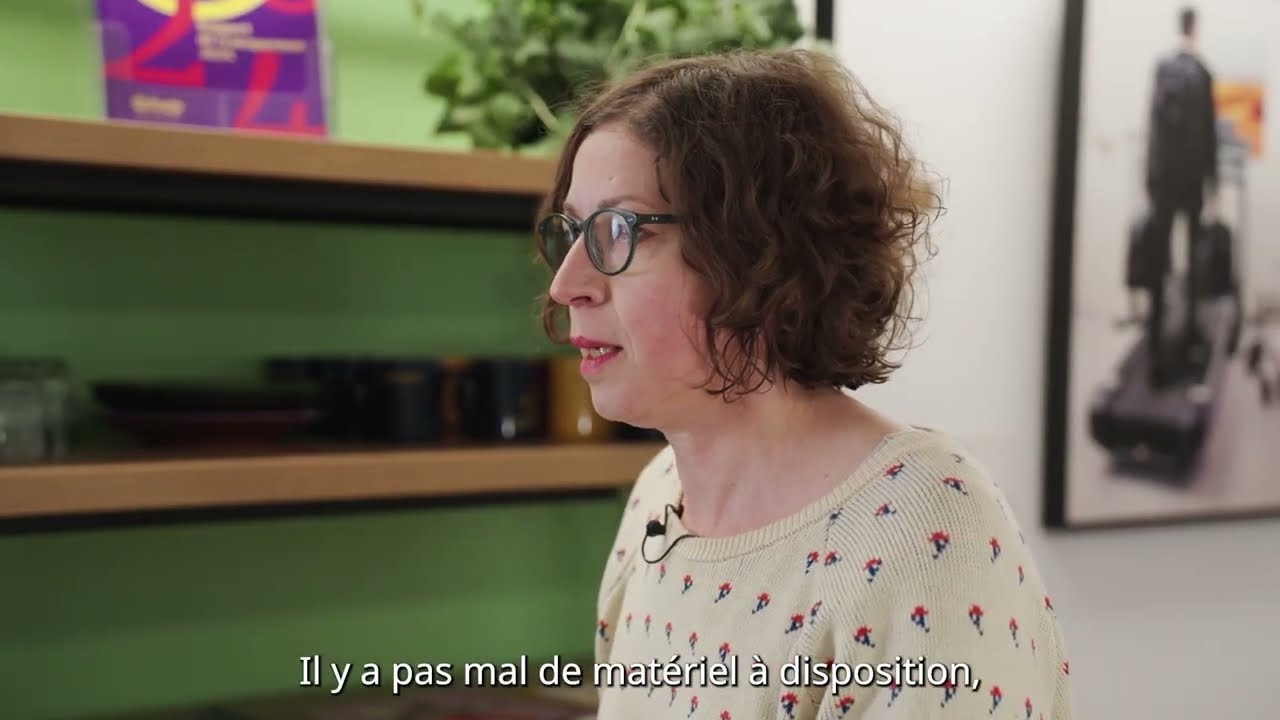
Six artistes témoignent en vidéo

Practical information
Atelier ADAGP
by reservation via your Member Space
Open Monday to Friday, from 10 am to 6 pm
76 bis rue de Rennes - 75006 Paris
Back of the courtyard, 1st floor
Disabled access
Metro: Saint-Sulpice (L4)
Bus: Michel Debré (39, 95, 96)
Vélib’: Saint-Sulpice - 17 Rue du Vieux Colombier
+33 (0)1 43 59 09 79
atelier@adagp.fr
Annual closure from Monday, 3 to Friday 14, August 2026.